3/8/19

Week #10's Wednesday Evening Training: Control your Raspberry Pi using LUIS on Azure (part 1)

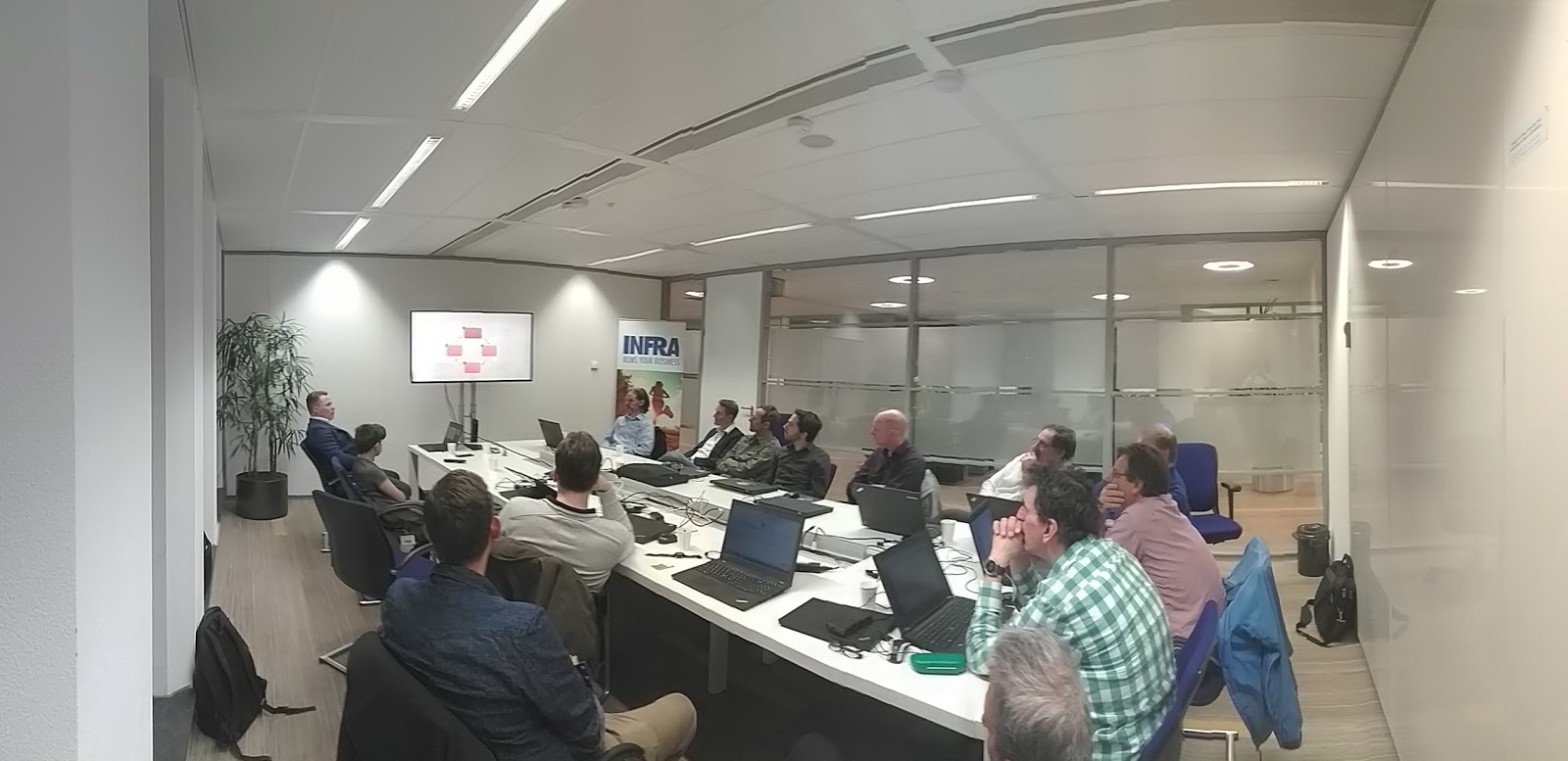
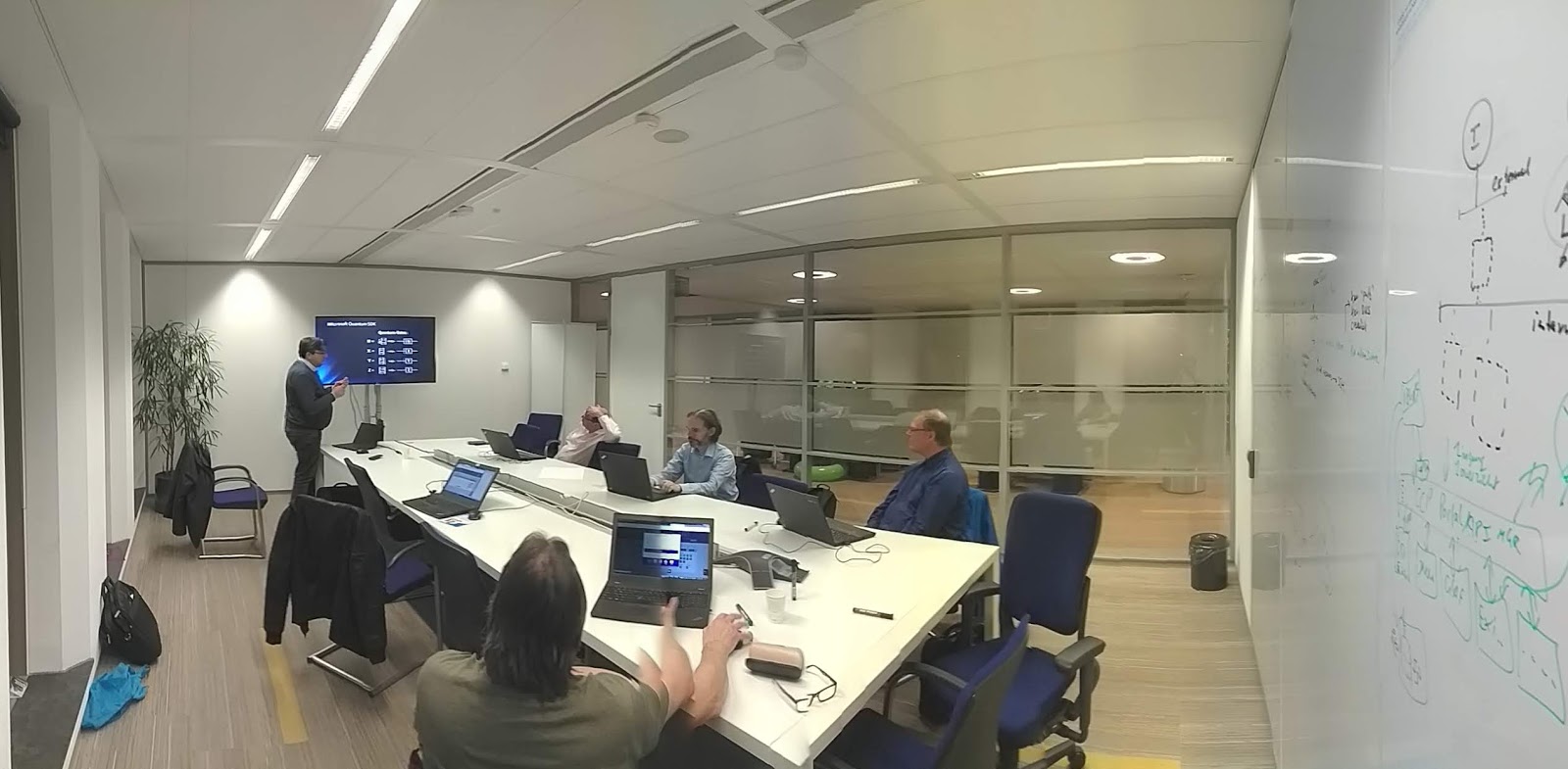
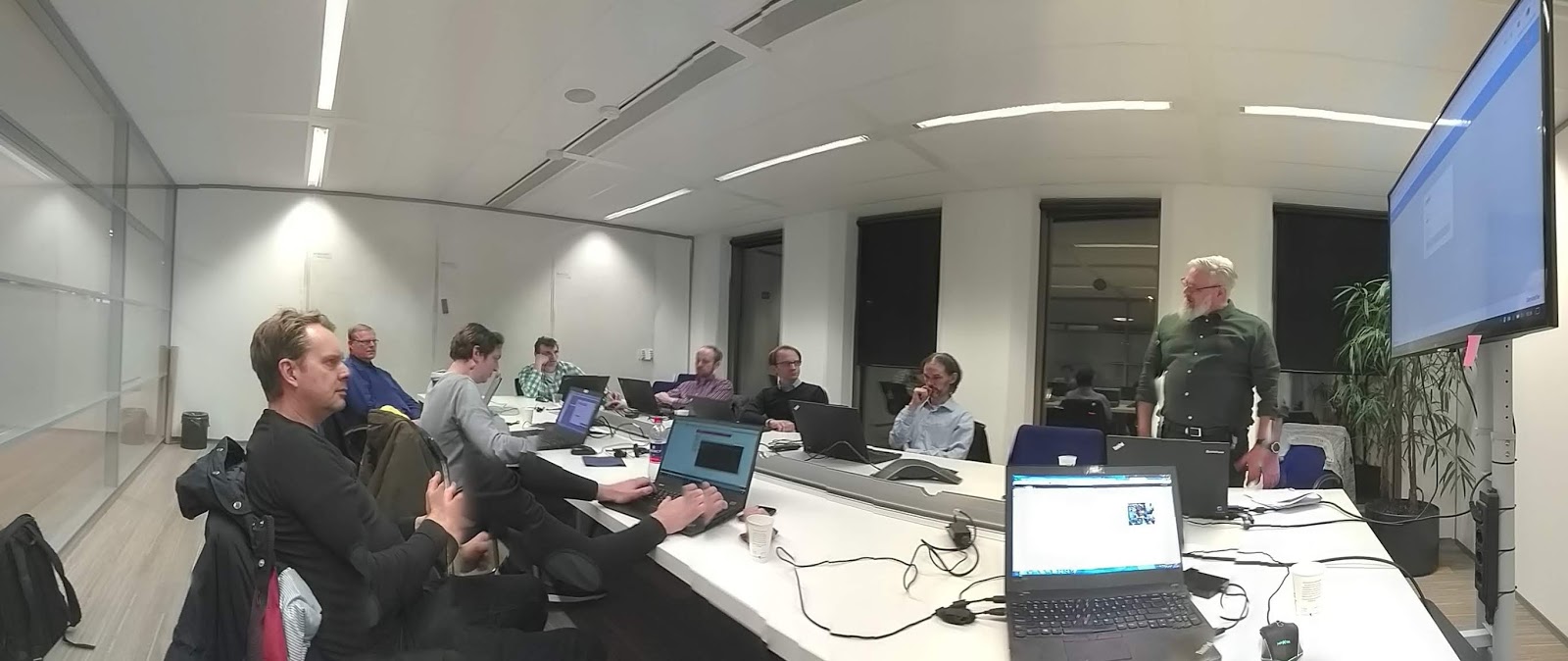
This session was the first part of two sessions where we got an introduction on the Azure Cognitive Speech Services, combined with LUIS, .NET Core and the Raspberry Pi.


Raspberry Pi

In many Wednesday Evening Trainings we experimented with the Raspberry Pi. This is a  is a series of small single-board computers developed by the Raspberry Pi Foundation to promote teaching of basic computer science in schools and in developing countries. The Raspberry Pi can be also be used in home automation, industrial automation and commercial products. Several generations of Raspberry Pis have been released. All models feature a Broadcom system on a chip (SoC) with an integrated ARM-compatible central processing unit (CPU) and on-chip graphics processing unit (GPU). The Raspberry Pi Foundation provides Raspbian, a Debian-based Linux distribution for download, as well as third-party Ubuntu, Windows 10 IoT Core, RISC OS, and specialised media centre distributions.[109] It promotes Python and Scratch as the main programming languages, with support for many other languages. .NET Core 2.0 applications will also run on a Raspberry Pi (see the resources below).

LUIS

LUIS (Language Understanding Intelligent Service) is a machine learning-based service to build natural language into apps, bots, and IoT devices. LUIS enables you to integrate natural language understanding into your applications without having to create machine learning models. Instead, you can focus on the application's logic.

A client application for LUIS is any application that communicates with a user in natural language to complete a task. The application sends utterances (text) to the LUIS natural language processing endpoint API and receives the results (interpretation) as a JSON response. In this JSON response, Intents describe how LUIS determines understands what a user wants to do. Entities recognized by LUIS will also be returned. The client application then uses the Intents to make decisions about how to fulfill the user's requests.

For this workshop, a (free) LUIS account was needed. This could be created on the LUIS portal at https://www.luis.ai. This portal also offers an excellent intro into Artificial Intelligence.


So what did we do this evening?

We built a prototype based on a sample app with which we could control two LED lights on a Raspberry Pi by spoken commands. The example prototype was built for a Raspberry Pi and contained a Console App for recording spoken text through a microphone, a LUIS app for voice recognition, and an ASP.NET API, directly installed on a Raspberry Pi that controlled the LED lights.

The sample prototype used in this session used the following hardware:

  • Raspberry Pi 3B
  • One 40-way T-Cobbler Breakout Board for Raspberry Pi
  • One 830 point Breadboard
  • One yellow led light
  • One blue led light
  • Two resistances of 500 ohm
  • Four male to male cables to connect the different parts

With the prototype we could turn on and off a yellow and a blue LED light by using the following voice commands: “turn on the yellow / blue light” and “turn off the yellow / blue light” “. The prototype therefore had to be able to understand whether I had to turn a LED on or off, but also which color that had to be turned on or off.

We therefore had to create a LUIS app with which we could analyze a spoken command and determine the intents of this command. A console application that received a voice command and forwarded it to our LUIS app had to be created as well. The LUIS app then sended back a response containing the received voice command and an overview of the intents.

To convert the results that we received from LUIS to GPIO commands on the Raspberry Pi, we had to build an ASP.NET Core Web API that had to be installed directly onto the Raspberry Pi. Therefore, .NET Core had to be installed on the Raspberry Pi. No problem, since .NET Core also runs perfectly on Linux.

Thanks Ronnie Jongenelen, for sharing your knowledge with us! Great stuff!


Next steps...

Next Wednesday Evening Training we will continue our lab. Also: we will be experimenting on using alternative solution components: MQTT and NodeRED. Since the Arduino (single-board computer) also has our attention in the Wednesday Evening Trainings, we'll also have a brainstorm on how to implement this solution on the Arduino.

Further reading

Do you want to read more on the topics in this post? Here are some resources...

On Azure:
Microsoft Azure - Cognitive Services: https://azure.microsoft.com/nl-nl/services/cognitive-services/
Quickstart: Use prebuilt Home automation app: https://docs.microsoft.com/en-us/azure/cognitive-services/luis/luis-get-started-create-app
RaspberryIO - Pi's hardware access from .NET: https://github.com/unosquare/raspberryio/blob/master/README.md
Setting up Raspbian and .NET Core 2.0 on a Raspberry Pi: https://blogs.msdn.microsoft.com/david/2017/07/20/setting_up_raspian_and_dotnet_core_2_0_on_a_raspberry_pi/

On the Raspberry Pi:
Raspberry Pi: https://en.wikipedia.org/wiki/Raspberry_Pi
Raspberry Pi (official site): https://www.raspberrypi.org
Comparison of single-board computers: https://en.wikipedia.org/wiki/Comparison_of_single-board_computers
Raspbian Debian-based computer operating system for the Raspberry Pi: https://en.wikipedia.org/wiki/Raspbian

On LUIS:
LUIS: http://www.luis.ai
Tutorial: Recognize intents from speech using the Speech SDK for C#: https://docs.microsoft.com/nl-nl/azure/cognitive-services/speech-service/how-to-recognize-intents-from-speech-csharp
Learn Azure (learn at your own pace): https://docs.microsoft.com/en-us/learn/azure/

On Azure/LUIS/IoT combination:
Quickstart: Use prebuilt Home automation app: https://docs.microsoft.com/en-us/azure/cognitive-services/luis/luis-get-started-create-app
Control your Raspberry Pi using LUIS on Azure (Part 1): https://www.ronniejongenelen.nl/control-your-raspberry-pi-using-luis-on-azure-part-1/#blog
Control your Raspberry Pi using LUIS on Azure (Part 2): https://www.ronniejongenelen.nl/control-your-raspberry-pi-using-luis-on-azure-part-2/#blog
Control your Raspberry Pi using LUIS on Azure (Part 3): https://www.ronniejongenelen.nl/control-your-raspberry-pi-using-luis-on-azure-part-3/#blog
Handson Lab - Combine LUIS and the Azure Speech Service to control a Raspberry Pi (sources with Ronnies' hands on lab): https://github.com/rwjjongenelen/CognitiveServices.Speech.IntentRecognition

Other stuff:
A nice and free tool for designing electronic circuits: http://fritzing.org

Past Wednesday Evening Trainings on all topics

You 'll find post of previous sessions on my blog and on LinkedIn: https://www.linkedin.com/search/results/content/?keywords=%23wednesdayeveningtraining

Work @Capgemini?

Do you want to join us? We're always looking for and well-motivated young professionals. Do you have a bachelor or master degree or extensive practical experience? Or do you have a relevant ICT / Informatics training and you have become curious about us? Please send me an mail. Working for us gives you access to all Wednesday Evening Trainings!

3/1/19

Week #9's Wednesday Evening Training: An Introduction to Social Engineering: Part 1 - Phishing

In our Wednesday Evening Trainings, we regularly pay attention to security, a very important topic in ICT. This evening, one of our security champions, Philipp Blaas, took us on an excellent and inspiring dive into Social Engineering.


About Social Engineering

Many security experts agree that Social Engineering continues to be the biggest security threat by a big margin. And this is even though Email scams such as “The Nigerian Prince” or “Fake PayPal invoices” have been around for decades!

Why are individuals and organisations still tricked by such tactics that led to massive scandals such as the Sony Hack, The U.S. Democrats Email Server Breach or the Petya Ransomware Attack?

Social Engineering is still highly effective because it takes advantage of human psychology. The methods used are as old as civilization. Why they still work we were shown this Wednesday Evening Training.


What we did during this session

In our session, we have covered common tactics of Social engineering and Phishing based on practical examples. Philipp showed us the steps in which attackers operate. After collecting (mostly automatically) information about a potential target, the attacker develops a relationship with the victim to attain a trusting affiliation in order to take advantage of the target, then executes the attack and leverages the information gained to plan more attacks.

As an exercise, we were asked to review Out of Office replies (often used in companies) to establish which information an attacker can easily gather as a first step. In further steps, trusted social platforms like LinkedIn can be used to gather additional information to be used in the attack.


An attacker often tries to ensure that the victim clicks on a hyperlink to malware without thinking. The attacker does this, for example, by making the victim believe that he has an acute problem. Examples of this are emails in which a strange payment, a security problem, a request from a so-called colleague or manager is reported. You can easily see through such attacks by following a few simple rules. One of them is simply taking time before responding to email; think first before you respond. In addition: determine whether the sender is reliable (take a close look at the e-mail address of the sender), or in the e-mail personal details that the attacker can not know, but also whether the relevant e-mail has been drawn up amateurish (layout, spelling). And: did you know that if you use your cell phone for reading and replying to your e-mail, you are more likely to click on links? Food for thoughts!

We were also shown a nice example of Vishing (Voice phishing), using social engineering over the telephone system to gain access to private personal and financial information. See the links below for this video.


Finally, we did a joint quiz in which we were shown several emails and had to determine whether it was a phishing email or a real mail.

A real eye opener, proving that taking time for reading your emails is crucial!

As usual, there was plenty opportunity for Q&A and discussion. We discussed using tools like Password Managers and other methods to secure your work environment. We also discussed tools that may be used by attackers. See the links below for further reading on these.

Thanks Philipp, for sharing your knowledge with us!


Further reading

Do you want to read more on the topics in this post? Here are some resources...

This is how hackers hack you using simple social engineering: https://youtu.be/lc7scxvKQOo
OSINT tool:
Open-source intelligence: https://en.wikipedia.org/wiki/Open-source_intelligence
KeePass Cross-Platform Community Edition (Password manager): https://keepassxc.org
Curb Your Enthusiasm: A.I. Will Not Save Us From Phishing: https://www.linkedin.com/pulse/curb-your-enthusiasm-ai-save-us-from-phishing-philipp-blaas/
Onderzoek: master password van wachtwoordmanagers is te achterhalen via geheugen (Dutch): https://tweakers.net/nieuws/149368/onderzoek-master-password-van-wachtwoordmanagers-is-te-achterhalen-via-geheugen.html
Video's on ICT security (e.g. types of attack) on my YouTube Channel: https://www.youtube.com/playlist?list=PLSiMhBs48YvViQFNwqLZFE8GU5baI2f-g

Past Wednesday Evening Trainings on all topics

You 'll find post of previous sessions on my blog and on LinkedIn: https://www.linkedin.com/search/results/content/?keywords=%23wednesdayeveningtraining

Work @Capgemini?

Do you want to join us? We're always looking for and well-motivated young professionals. Do you have a bachelor or master degree or extensive practical experience? Or do you have a relevant ICT / Informatics training and you have become curious about us? Please send me an email. Working for us gives you access to all Wednesday Evening Trainings!


2/21/19

Microsoft Quantum Lab on TU Delft campus opened by Dutch King

"On 21 February, King Willem Alexander opened the Microsoft Quantum Lab on the campus of TU Delft. With the lab, Microsoft strengthens quantum research in Delft, a research area where TU Delft ranks among the world's best. The QuTech Research Institute, a collaboration between TU Delft and TNO, is working with industry on the development of quantum computers and a quantum internet. Microsoft, which now has its own laboratory in Delft, is one of the most important companies that collaborates intensively with Delft quantum researchers."

Source: https://www.tudelft.nl/en/2019/tu-delft/dutch-king-opens-microsoft-quantum-lab-on-tu-delft-campus/

Further reading

More on the Microsoft Quantum Lab Delft: https://www.microsoft.com/en-us/research/group/microsoft-quantum-delft/

Do you want to know a bit more on Quantum Computing? Read my short intro and links to practical resources in https://hansrontheweb.blogspot.com/2018/11/quantum-computing-introduction.html.

Wednesday Evening Training on Quantum Computing

Capgemini regularly organizes #WednesdayEveningTraining workshops on Quantum Computing. Read more on these sessions in this blog: https://hansrontheweb.blogspot.com/search?q=quantum

2/20/19

Week #8's Wednesday Evening Training: Quantum Computing, a practical introduction using IBM technology (part 4)

Continuing our exploration of Quantum Computing, guided by one of our Quantum Computer champions: Ilyas Sener. We had a little recap of Quantum logic gates, math topics and an inspiring brainstorm on topics for our upcoming Wednesday Evening Trainings on Quantum Computing.


Further reading

Do you want to read more on the topics in this post? Take a look at my post: "Quantum computing: an introduction and a lot of links to resources":
https://hansrontheweb.blogspot.com/2018/11/quantum-computing-introduction.html

Past Wednesday Evening Trainings on all topics

You 'll find post of previous sessions on my blog and on LinkedIn: https://www.linkedin.com/search/results/content/?keywords=%23wednesdayeveningtraining

Work @Capgemini?

Do you want to join us? We're always looking for and well-motivated young professionals. Do you have a bachelor or master degree or extensive practical experience? Or do you have a relevant ICT / Informatics training and you have become curious about us? Please send me an email. Working for us gives you access to all Wednesday Evening Trainings!

Week #7's Wednesday Evening Training: Real world Docker for developers, part 2

Fast and easy scaling is very important nowadays. You need to respond fast to increasing load and you may want to downscale when possible, decreasing running costs. Virtualization is an effective approach to this. Applying virtualization, you actually use your bare metal infrastructure as Host Machines to run software applications (Virtual Machines) that emulate physical machines (Guest Machines). Virtual Machines use Images (files) of completely installed and configured machines (OS and the applications you want to use) to start a Guest Machine. The Virtual Machines themselves are managed (start/pause/resume/stop/...) by so called Hypervisors. Virtualization drastically increases the speed and ease in which you can scale your server infrastructure, but the required emulation and big image files poses a rather expensive overhead.


Containerization

In Containerization, like Docker does, software (the applications you want to use) is not emulated, but is run directly on the hard hardware of the host machine in separate Container Runtimes (in short: Containers). Container Runtimes are based on Docker images which contain definitions of the software and configuration you want to run in your Container Runtimes. This Containerization approach decreases the overhead drastically compared to Virtualization, increasing the advantage of fast and easy scaling.

This evenings' topics

This Wednesday Evening Training, we continued our exploration of Docker with a deep dive into the Docker technology. Two of our Docker champions, Tim Schadenberg and Robert Swier, gave us an excellent explanation on various Docker topics and on containerization in general. 

On security, for example, the Container Breakout Vulnerability was also discussed. This vulnerability allows a malicious container to gain root-level code execution on the host. We also discussed software deployment strategies using containers, managing containers and using containers combined with Kubernetes (container orchestration) in a microservice architecture.
Since the handson labs were based on Java Spring Boot our .NET colleagues got an intro on this as a bonus :).

An excellent Wednesday Evening Training with a lot of content, a lot of discussion and much to little time! All the more reason to organize a follow-up session quickly!

Thanks Tim & Robert, for sharing your knowledge and experience with us!


Further reading

Do you want to read more on the topics in this post or play around with the technology? Here are some links…

Docker (official website): https://www.docker.com
Docker (software), a nice intro on Wikipedia: https://en.wikipedia.org/wiki/Docker_(software)
Play with Docker classroom: https://training.play-with-docker.com/
Play with Docker classroom (specific topics): https://training.play-with-docker.com/alacart
Play with Docker - A simple, interactive and fun playground to learn Docker: https://labs.play-with-docker.com/
Bart van Beek's Docker examples (GitHub repo): https://github.com/babeek94122/wet-demo-docker
Deploy on Kubernetes: https://docs.docker.com/docker-for-mac/kubernetes/
Virtualization: https://en.wikipedia.org/wiki/Virtualization
Example Docker Compose app: https://github.com/dockersamples/example-voting-app

Past Wednesday Evening Trainings on all topics

You 'll find post of previous sessions on my blog and on LinkedIn: https://www.linkedin.com/search/results/content/?keywords=%23wednesdayeveningtraining

Work @Capgemini?

Do you want to join us? We're always looking for and well-motivated young professionals. Do you have a bachelor or master degree or extensive practical experience? Or do you have a relevant ICT / Informatics training and you have become curious about us? Please send me an email. Working for us gives you access to all Wednesday Evening Trainings!

2/9/19

Week #6's Wednesday Evening Training: A practical introduction to C# code reviewing

Reviewing code requires to have a fresh and different view on (your colleague’s) code. You need to look for bad practices, think out of the box, follow your gut feeling, know about best and bad practices. You need to find a balance between advising about improvements and flat out rejecting code.

This Wednesday Evening Training, we had a practical overview and deep dive into code reviewing. One of our C# champions, Bart Roozendaal, showed us what we can look for specifically in code.

What to look for when reviewing code?

You can take a look at the general structure, tidiness, common errors, code smells and easy to find things. And there is a lot of checks and examples to be found on the internet as well. But what is also important is to view your code from particular viewpoints like security, efficiency and exception handling (error handling). It is definitely worth thinking out of the (language) box when developing a software program. Especially if your code is part of a much larger whole. And that is increasingly the case nowadays.


This evening was all about sharing experiences and opinions. There is no definite right or wrong, there are only considerations that you should make in a sensible manner. For example; there are multiple strategies to choose from when handling errors. How far do you have to go to catch errors in the code? This depends, for example, on the purpose of the program and the damage that specific errors can cause.

We did a walk through of  an existing C# solution and discussed the different findings. Very educative. The code was written in C #, but that was certainly no problem for Java engineers.

During the walk through we also discussed tooling that you can use for testing your software. See the links below for some of the tools we discussed.

To be continued...

We will certainly organize follow-up sessions on this topic. Next time, participants are invited to bring their own code to have reviewed, or bring interesting samples found. The Wednesday Evening Trainings are all about sharing knowledge and experience and learning from each other.

Thanks Bart for sharing your knowledge and experience with us!


Further reading

Do you want to read more on the topics in this post? Here are some links…

List of tools for static code analysis: https://en.wikipedia.org/wiki/List_of_tools_for_static_code_analysis
CodeMaid - An open source Visual Studio extension to cleanup and simplify C#, C++, F#, VB, PHP, PowerShell, R, JSON, XAML, XML, ASP, HTML, CSS, LESS, SCSS, JavaScript and TypeScript coding: http://www.codemaid.net/
NCrunch - An automated concurrent testing tool for Visual Studio: https://www.ncrunch.net/

Past Wednesday Evening Trainings on all topics

You 'll find post of previous sessions on my blog and on LinkedIn: https://www.linkedin.com/search/results/content/?keywords=%23wednesdayeveningtraining

Work at Capgemini?

Do you want to join us? We're always looking for and well-motivated young professionals. Do you have a bachelor or master degree or extensive practical experience? Or do you have a relevant ICT / Informatics training and you have become curious about us? Please send me an email. Working for us gives you access to all Wednesday Evening Trainings!

2/1/19

Week #5's Wednesday Evening Training: An update on DevonFW and getting started with a hands on lab

In 3 years DevonFW has grown from an Angular and a Java framework to the full fledge, fully open sourced, standard software development platform for our Capgemini Europe SBU with software stacks and accelerators for almost all current software stacks, full life cycle support and a new distributed project delivery model.

This Wednesday Evening Training, our DevonFW champions Maurice Driessen and Gudmund Aasgaard, gave us a nice overview and update on DevonFW. We were given an overview of the current assets and a nice demo and walkthrough of a DevonFW project.

Furthermore, a hands on lab was available in which we could create your own basic application using DevonFW. We also had an interesting discussion on the application of patterns in which several core patterns in a Microservices architecture were discussed.

Interesting technology! We'll definitely organize more Wednesday Evening Training sessions on DevonFW!


Further reading

Do you want to read more on the topics in this post? Here are some links…

Getting started: what is devonfw: https://github.com/devonfw/devon/wiki/getting-started-what-is-devonfw
Why devonfw? https://oasp.github.io


Past Wednesday Evening Trainings on all topics

You 'll find post of previous sessions on my blog and on LinkedIn: https://www.linkedin.com/search/results/content/?keywords=%23wednesdayeveningtraining